
CCTV & Surveillance
What Actually Decides the Cost of a CCTV Installation in Udaipur
The cost of a CCTV installation is decided by six things: how many cameras the building actually needs, the resolution you specify, whether the system is analogue HD or IP, how many days of footage you want kept, how difficult the cable runs are, and who is responsible for the system after it is switched on. The price of the cameras themselves is usually the smallest of the six.
Key takeaways
- Nobody can price a CCTV system properly over the phone — the building decides the cost, not the camera count you have in mind.
- Storage is a calculation, not a guess. Days of footage × cameras × bitrate gives you the hard disk size, and you can work it out yourself.
- The hard disk, power supply, cable and connectors are where quotations quietly differ. Two quotes for “8 cameras” can be completely different systems.
- A cheaper quote is often a shorter-lived one: thin cable, a desktop hard disk instead of a surveillance disk, and no one to call in eighteen months.
- Ask for model numbers. A quote that lists makes and models can be compared; a quote that says “8 HD cameras” cannot.
The first question almost everyone asks is what CCTV will cost for their shop. It is a fair question with an annoying answer: it depends on the building. Two shops of the same size on the same road can need very different systems, because one has a single entrance and clear sightlines and the other has three doors, a mezzanine and a back godown.
What follows is not a price list. It is the list of things that move the price, so that when you have two quotations in front of you, you can see why they differ and work out which one is actually cheaper over five years.
Why a CCTV system cannot be quoted over the phone
A camera does not cover a room. It covers a cone. Where that cone starts, how wide it is and what sits in the way are all properties of the building, not of the camera. Until someone has looked at the entrances, the counter, the stock area and the approach from the road, any number is a guess.
The other reason is cabling. In a new building where conduit is already laid, running cable is quick. In a finished shop with a false ceiling, tiled walls and a locked shutter box, the same eight cameras can take twice as long to install. Labour and cable are a real part of the cost, and they are invisible until someone measures the runs.
The six things that move the price
1. How many cameras the building actually needs
Not one per room. Cameras earn their place at decision points — the entrance, the till, the stock room door, the gate, the stairwell. A camera pointed at the middle of an empty floor records an empty floor. Getting this right usually reduces the count rather than increasing it, and it is the single biggest lever on the total.
2. Resolution — 2MP, 4MP, 5MP or 4K
Higher resolution is not automatically better. Resolution buys detail at distance: it is the difference between a man in a blue shirt and a face you could actually identify, or a number plate you could read. Directly over a counter, a 2MP camera is often perfectly sufficient. At a gate thirty feet away, it is not.
Resolution also has a cost downstream, which is easy to miss. A 5MP camera produces roughly twice the data of a 2MP camera, so it needs a bigger hard disk to hold the same number of days and more bandwidth when you watch it on your phone over mobile data.
3. Analogue HD with a DVR, or IP with an NVR
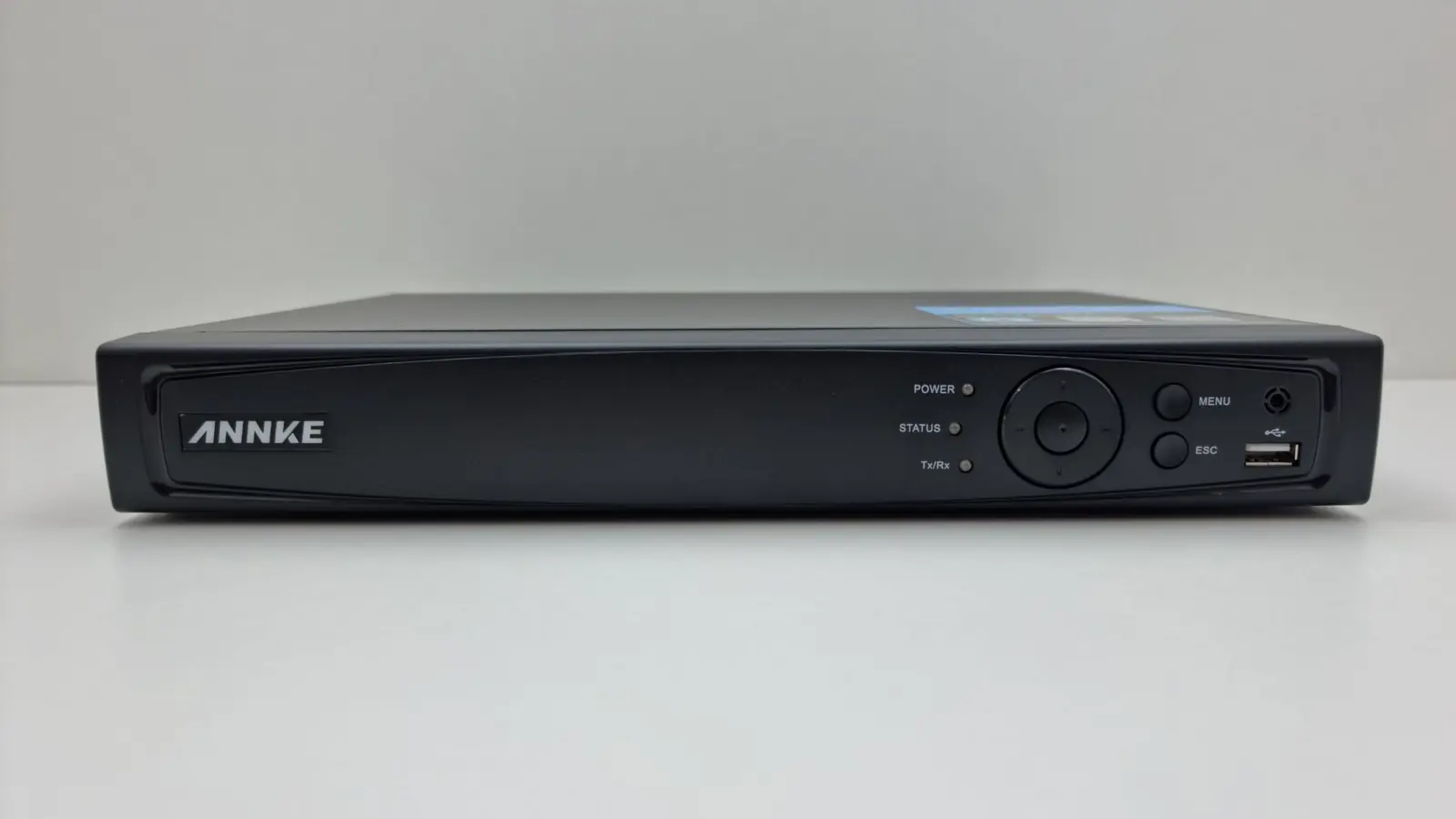
Analogue HD systems run on coaxial cable to a DVR and are usually the cheaper way to reach a given number of cameras. IP systems run on network cable to an NVR, generally offer higher resolutions, carry power and video on the same cable, and are far easier to extend later. Neither is the right answer for everyone.
The honest rule of thumb: if coax is already in the walls and you need a straightforward replacement, analogue HD is sensible. If the building is being wired now, or you expect to add cameras, IP is worth the extra.
4. How many days of footage you want to keep
This is the setting people choose casually and then regret. Theft and disputes are often discovered days later — after a stock count, after a customer complains, after a weekend. If the system only holds seven days, everything before that is gone.
Storage is the second-largest cost item in most quotations after the cameras, and it is entirely a function of your retention decision. Work it out before you compare quotes, using the table further down.
5. Cabling and how hard the building is to work in
Cable is priced per metre and installed per hour. A camera at the far corner of a compound is not the same job as one above the counter. Casing, conduit, wall crossings, ceiling access and working height all add time. This is also where corners get cut — thin, part-copper cable is cheaper today and causes voltage-drop problems and picture noise on the long runs within a year or two.
6. What happens after it is switched on
A CCTV system is not an appliance you install and forget. Hard disks wear out, power supplies fail, cameras drift out of alignment, and mobile viewing breaks the day the router is replaced. A quotation that includes someone to call is worth more than one that does not, and that difference is legitimately part of the price.
Where the money quietly goes
When two quotations for eight cameras differ substantially, the difference is almost never the cameras. It is usually somewhere in this list:
- The hard disk — a surveillance-rated disk is built for continuous writing; a desktop disk in a DVR is a disk that will fail early.
- The power supply — a proper SMPS with headroom, versus one running at its limit with eight cameras hanging off it.
- Cable quality — full copper versus copper-clad aluminium, and whether it is rated for sun exposure where it runs outside.
- Connectors and terminations — the most common cause of a camera that works for six months and then goes intermittent.
- Conduit and casing — whether the cable is protected, or stapled along a wall where anyone can cut it.
- A monitor, and somewhere sensible to put the recorder that is not the first place a thief would look.
- Backup power, so the system does not stop recording during a power cut.
- Labour, and whether the quote includes configuring mobile viewing and showing you how to export a clip.
Storage: the one number you can work out yourself
You do not need an installer to size your hard disk. Modern recorders use H.265 compression, and a camera produces a fairly predictable amount of data per day. The figures below are typical for continuous recording of a normally busy scene — a quiet corridor produces less, a road full of traffic produces more.
| Camera | Typical bitrate | Per camera per day | 8 cameras for 30 days |
|---|---|---|---|
| 2MP (1080p) | about 1.5 Mbps | about 16 GB | about 3.9 TB |
| 4MP | about 2.5 Mbps | about 27 GB | about 6.5 TB |
| 5MP | about 3.5 Mbps | about 38 GB | about 9.1 TB |
| 8MP (4K) | about 6 Mbps | about 65 GB | about 15.6 TB |
The arithmetic is simply bitrate divided by 8, multiplied by 86,400 seconds in a day. If those totals look large, that is because they are — continuous round-the-clock recording is expensive in storage terms. Recording on motion in low-traffic areas cuts it substantially, and mixing resolutions (5MP at the gate, 2MP over the counter) is usually a better use of money than putting the same camera everywhere.
Use this to sanity-check a quotation. If someone offers you eight 5MP cameras, thirty days of footage and a 2TB disk, those three things cannot all be true.
What a cheap quote usually means
There is nothing wrong with a budget system, as long as you know that is what you are buying. The savings normally come from a predictable set of places, and each one has a consequence:
- A smaller hard disk, so you keep days instead of weeks.
- Copper-clad aluminium cable instead of full copper — cheaper now, picture problems on the long runs later.
- A desktop hard disk instead of a surveillance disk, which is not designed to be written to continuously.
- No backup power, so the system is blind during exactly the kind of outage that can precede a break-in.
- Cameras from a brand with no service presence locally, which matters the day one of them fails.
- No maintenance arrangement, so in eighteen months you are looking for a new installer to inherit somebody else’s wiring.
Questions worth asking before you accept any quote
- 1What are the make and model of each camera, the recorder and the hard disk? A quote you can compare has model numbers on it.
- 2How many days of footage will this actually hold, at the settings you intend to configure?
- 3Is the cable full copper, and is the outdoor run in conduit?
- 4What is the warranty on the cameras, on the recorder and on the disk? They are usually different.
- 5Does the price include setting up mobile viewing and showing us how to export a clip for the police?
- 6If a camera fails in eight months, who comes, how soon, and what does it cost?
An installer who answers all six without hesitating is telling you something useful about how the job is likely to go.
How we quote at Palm Vision
We look at the site first. We walk the entrances, the counter, the stock area and the approach, agree what each camera is there to see, and specify to that. You get the make and model of everything, the disk size with the retention it gives you, and a clear line on what happens afterwards. If a smaller system does the job, we will say so.
We are in Fatehpura, Udaipur, and we cover the city and the surrounding district. If you would like a system priced properly, describe the building to us and we will arrange to come and look at it.
Questions people ask about this
The follow-up questions we get most often on this subject, answered plainly.
How much does CCTV installation cost in Udaipur?
There is no single figure, because the cost is set by the building rather than by a camera count. The six variables are the number of cameras, their resolution, whether the system is analogue HD or IP, how many days of footage you keep, the difficulty of the cable runs, and whether after-sales support is included. The only reliable way to get a number is a site visit, which Palm Vision Technology carries out free across Udaipur city and the surrounding district.
How many days of CCTV footage should I keep?
Thirty days is the usual target for a shop or office, because problems are frequently discovered a week or more after they happen — after a stock count, after a customer complaint, or after a weekend. Fifteen days is a reasonable minimum. Seven days is generally too short to be useful in a dispute.
Is a 5MP CCTV camera worth the extra over a 2MP camera?
It depends on distance. Resolution buys detail at range, so a higher-resolution camera is worth it at a gate, a compound or a wide shop floor where you need to identify a face or read a number plate. Directly over a counter, a 2MP camera usually gives you everything you need. Remember that higher resolution also needs a larger hard disk to hold the same number of days.
What size hard disk do I need for 8 CCTV cameras?
For eight 2MP cameras recording continuously, roughly 16 GB per camera per day works out at about 3.9 TB for 30 days. Eight 5MP cameras would need around 9 TB for the same period. Recording on motion rather than continuously can reduce this significantly in low-traffic areas.
Why is one CCTV quotation so much cheaper than another?
Almost always because of the parts that are not the cameras — a smaller hard disk, a desktop disk instead of a surveillance-rated one, copper-clad aluminium cable instead of full copper, no backup power, or no after-sales support. Ask both installers for model numbers and for the retention period, and the two quotes usually stop looking comparable.
Do you charge for a site visit and quotation?
No. Palm Vision Technology surveys the site and quotes without obligation. Call +91 94141 61245 or message us on WhatsApp and we will arrange a time.