Security Systems
Biometric Attendance for a Small Business: Is It Worth It?
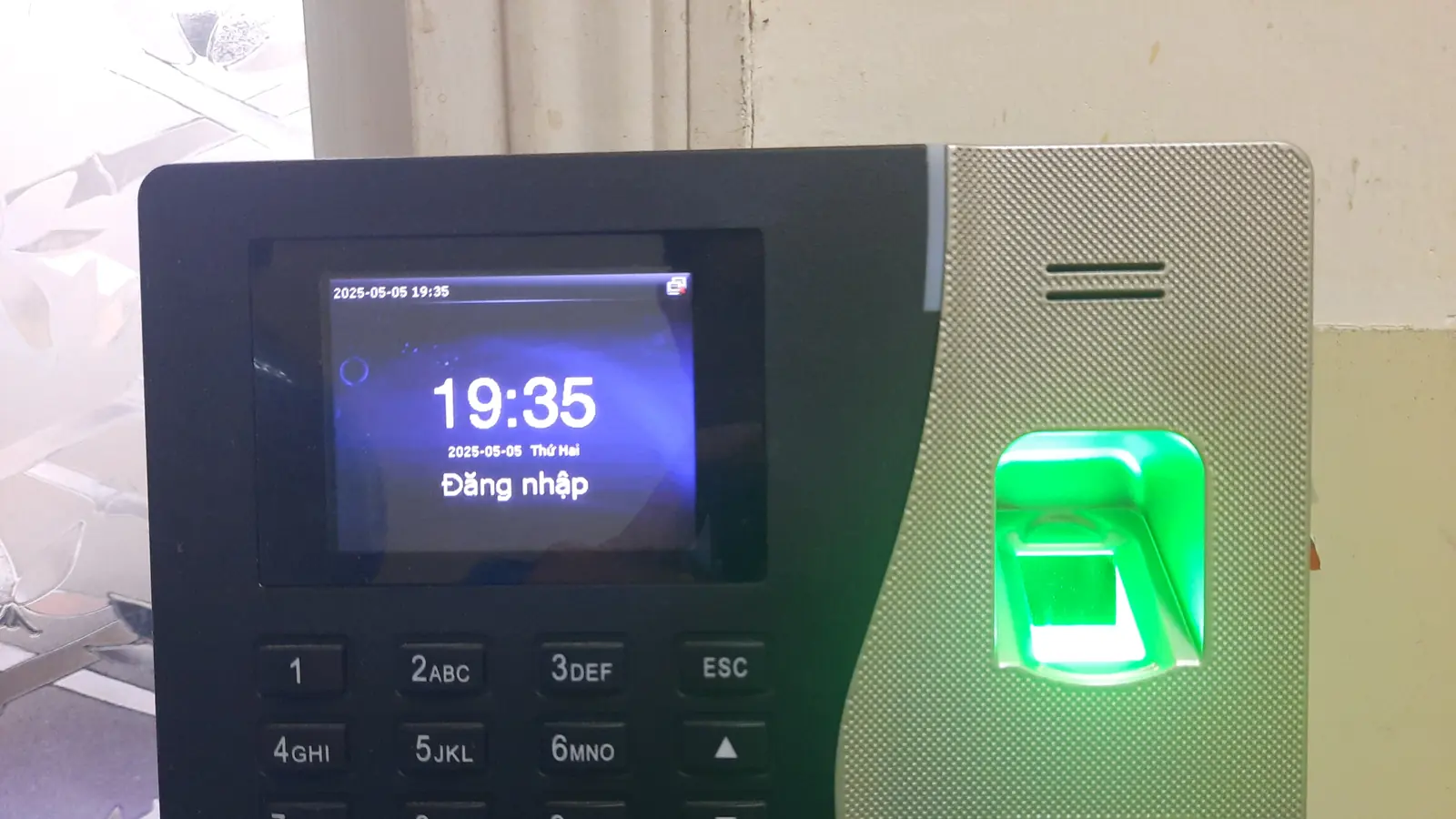
Biometric attendance is worth it once you have roughly ten or more staff, or any staff whose hours vary, because the time saved compiling attendance and the disputes it prevents outweigh the cost within the first year. Below that, a register is often adequate. The bigger decision is the reader type: fingerprint is cheapest but struggles with worn or wet hands, while face recognition handles manual workers far better.
Key takeaways
- The saving is not the hardware — it is the hours somebody spends every month turning a register into a payroll sheet.
- Fingerprint readers fail on hands that are worn, dry, wet or dirty, which describes a large part of the workforce in manual trades.
- Face recognition terminals cost more and handle exactly those hands, because there are none involved.
- Any attendance system that staff can defeat in ten seconds will be defeated. Placement and supervision matter as much as the device.
- Ask how the data comes out. A terminal whose export does not fit how you actually run payroll will quietly stop being used.
The case for a biometric attendance machine is usually made in terms of proxy punching — one employee marking another present. That does happen, but for most small businesses it is not the real cost. The real cost is the hour or two somebody spends at the end of every month reading a register, counting half-days, chasing missing signatures, and typing it all into a spreadsheet.
When a register is genuinely fine
It is worth saying this first, because it is often true. If you have five or six staff, everyone works the same fixed hours, everyone is visible to you every day, and payroll takes twenty minutes, a register is not costing you anything. Buying a terminal will not save you time you are not currently spending.
The picture changes when any of the following is true:
- You have roughly ten or more staff, and compiling attendance has become a monthly chore.
- Hours vary — shifts, part-time staff, overtime that has to be counted accurately.
- You have more than one site, or staff who work somewhere you are not.
- Attendance has become a source of arguments, and you have no record you can point to.
- You need to demonstrate hours worked to somebody outside the business.
Choosing the reader: what each one actually fails at
This is the decision that determines whether the system is used happily or resented, and it is almost always made on price alone. Each technology has a specific, predictable weakness:
| Type | Where it works well | Where it struggles |
|---|---|---|
| Fingerprint | Offices, shops, retail staff, anyone with unworn hands | Worn, dry, cracked, wet, oily or dirty fingers — common in manual and outdoor work |
| Face recognition | Factories, workshops, sites, anywhere hands are a problem | Poor or backlit lighting; needs staff to pause and look at the terminal |
| Palm or vein | Hygiene-sensitive settings, high throughput | Higher cost; less common, so support matters more |
| RFID card or fob | Fast throughput, visitors, contractors | Cards are shared and lent — it records the card, not the person |
| Card plus biometric | Where the record has to be defensible | Slower per person, and costs more per terminal |
The single most common mistake is putting a fingerprint terminal in front of a workforce whose hands are worn from manual work. The machine rejects them repeatedly, a queue forms, somebody starts marking people in manually, and within a month the system has been abandoned. If your staff work with their hands, budget for face recognition instead — the price difference is far smaller than the cost of a system nobody uses.
Attendance, access control, or both?
These are related but different. An attendance terminal records who was present and when. An access control system decides who is allowed through a door. Many terminals do both, and the extra cost is modest, but the installation is not the same — access control needs a lock, a power supply, an exit arrangement and, importantly, a safe way out in an emergency.
If you only want a record of hours, do not pay for door hardware you will never wire up. If you want to control access to a stock room, a server room or a cash office, say so at the start, because it changes where the terminal goes and what has to be run to it.
The question that decides whether you keep using it
Ask how the data comes out, and get a demonstration before you buy. Terminals differ enormously here, and the answer determines whether the machine saves you time or simply moves the work:
- Can it export directly to Excel, in a layout close to what you already use for payroll?
- Does it handle half-days, late marks, overtime and leave the way your business actually treats them?
- Does someone have to walk to the terminal with a pen drive, or does it push the data over the network?
- If you have more than one location, can you see all of them in one place?
- What happens to the records if the terminal is stolen or fails — is there a backup?
A terminal whose export needs half an hour of reformatting every month has not solved your problem. It has bought you a machine and kept the chore.
Practical installation points
- 1Put it where people naturally pass, but not where a queue will block a doorway at shift change. If you have forty staff arriving together, one terminal at a narrow door will cause a jam every morning.
- 2Mount it at a height that suits the shortest and tallest staff — face recognition terminals in particular are sensitive to this.
- 3Keep face recognition terminals out of direct backlight. A camera facing a bright window or an open shutter will struggle exactly when everyone is arriving.
- 4Give it backup power. A terminal that is dead during a power cut records nobody, on the morning when everyone came in.
- 5Put it within sight of somebody, or within view of a camera. A device around a corner is a device that gets worked around.
- 6Agree the rules before you switch it on — what counts as late, what happens if someone forgets to punch out — and tell the staff. Systems introduced without explanation are resisted; systems introduced with clear rules are not.
What it costs you in honesty
A biometric system creates a precise record, and precision cuts in both directions. Staff who habitually arrive five minutes late will now be visibly five minutes late; staff who habitually stay half an hour after closing will now have that on record too. That is fine, but decide in advance how you intend to treat it, because introducing a machine and then applying it selectively does more damage to trust than having no machine at all.
You are also holding biometric data about your employees. Store it sensibly, restrict who can administer the terminal, and remove records when people leave.
Getting it specified properly
Palm Vision Technology supplies, installs and configures biometric attendance and access control systems across Udaipur — fingerprint, face recognition and card-based terminals — and sets up the software so the output matches how you run payroll. We are not tied to one manufacturer, so the recommendation depends on your staff and your building.
Tell us how many people you have, what kind of work they do and how you currently handle attendance, and we will tell you whether a terminal is worth it. If the honest answer is that your register is fine, we will say so. Call +91 94141 61245 or message us on WhatsApp.
Questions people ask about this
The follow-up questions we get most often on this subject, answered plainly.
Is a biometric attendance system worth it for a small business?
Generally yes once you have around ten or more staff, or any staff whose hours vary, because the time spent every month turning a register into a payroll sheet — and the disputes a written record prevents — outweighs the cost within the first year. With five or six staff on fixed hours who you see every day, a register is often perfectly adequate.
Which is better for attendance, fingerprint or face recognition?
It depends on your staff. Fingerprint terminals are cheaper and work well in offices and shops. They struggle badly with worn, dry, wet or dirty fingers, which describes most manual and outdoor work — in those settings face recognition is worth the extra, because it removes hands from the process entirely.
Why does the fingerprint machine keep rejecting some employees?
Usually either worn or damaged fingerprint ridges, or a rushed enrolment. Re-enrol the person carefully, recording two fingers on different hands with the finger placed flat and centred. If several people are consistently rejected, the technology is a poor fit for that workforce and a face recognition terminal is the practical answer.
Can a biometric attendance system also control doors?
Many terminals do both, and the additional cost is modest. The installation is different, though: access control needs a lock, its own power supply, an exit arrangement and a safe means of egress in an emergency. Decide at the start whether you want access control, because it changes where the terminal goes and what has to be wired to it.
Does a biometric attendance machine need internet or a computer?
Not to record attendance — the terminal stores the records itself and works standalone. You need a connection, or someone with a pen drive, to get the data out. Networked terminals push the records to a computer or across sites automatically, which is worth having as soon as you have more than one location.
Do you install biometric attendance systems in Udaipur?
Yes. Palm Vision Technology supplies, installs and configures fingerprint, face recognition and card-based attendance and access control systems throughout Udaipur city and the surrounding district, and sets up the reporting so the output matches how you run payroll. Call +91 94141 61245.